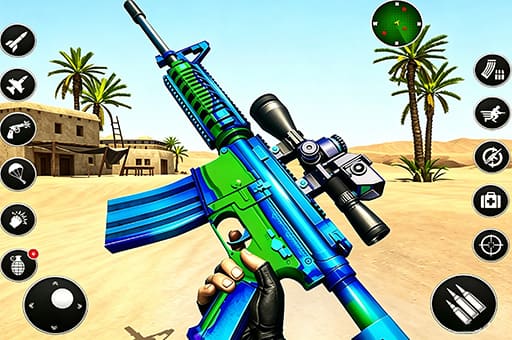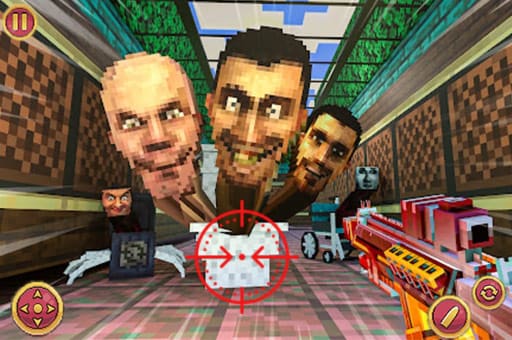

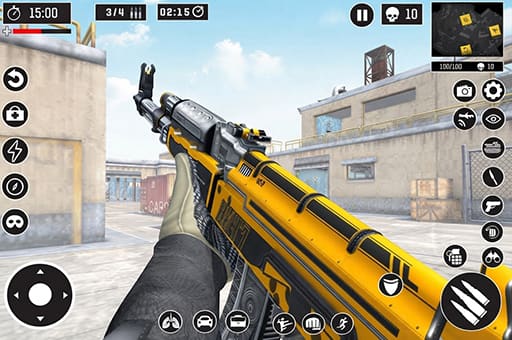
Critical Strike Shooting Online is a fast-paced multiplayer FPS shooting game experience that combines 3D first-person combat with competitive team action. Fans of battle games can jump into Team Battle and work with teammates to build a higher score through accurate shooting and smart positioning. Every match gives you another chance to earn coins and tokens, which can be used to unlock new guns and stylish weapon skins. Whether you enjoy simulator games or fast online shooters, this game brings a lively multiplayer battlefield directly to your browser.

3D Shooting Sim
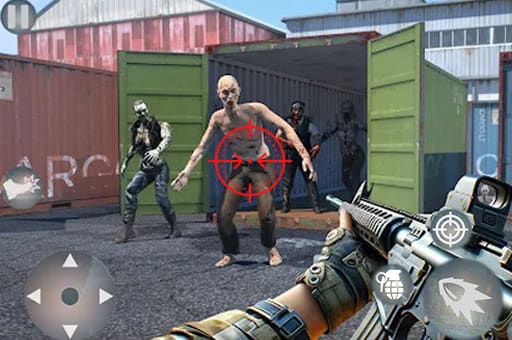
Before entering a match, select weapons and equipment that suit your preferred combat style. Try different combinations to see which setup works best at various ranges and locations. Team Battle puts two teams against each other. Eliminate opposing players to earn points for your team. The first team to reach 50 points wins the match, so keep an eye on both your own performance and the overall team score. Control your character from a first-person perspective. Move around the battlefield, aim at opponents, and fire when you have a clear opportunity. Use walls, buildings, and other cover to avoid staying exposed for too long. Guns are not your only tools. Tactical items such as grenades can help pressure opponents hiding behind cover. Choose the right moment to use them and create better opportunities for your team. For a more close-quarters style of combat, switch to Kobe Mode. Maps such as Catania and Venado feature European town-inspired environments with different routes and cover positions, encouraging quick movement and aggressive attacks. After battles, collect coins and tokens from your matches. Use your rewards to purchase stronger firearms and eye-catching weapon skins, then continue playing to unlock additional Battle Pass rewards. After battles, collect coins and tokens from your matches. Use your rewards to purchase stronger firearms and eye-catching weapon skins, then continue playing to unlock additional Battle Pass rewards.

Controls
On PC: WASD: Move. R: Reload.
On Mobile: Click the on-screen button: Operate.